
15 Common Resume Mistakes to Avoid (And How to Fix Them)
As a career consultant with over 12 years of experience reviewing thousands of resumes for Fortune 500 companies and startups alike, I’ve identified the most common resume writing mistakes that cost job seekers interviews—and how to fix them.
Whether you’re updating your professional resume for the first time in years or crafting an entry-level resume, avoiding these pitfalls will significantly increase your chances of landing interviews in today’s competitive job market.
The harsh reality? Most hiring managers spend only 6-7 seconds on an initial resume scan. That means even small resume formatting mistakes or missing keywords can eliminate you from consideration before a human truly reads your qualifications.
This comprehensive guide covers the critical resume errors that applicant tracking systems (ATS) and recruiters flag most often, plus actionable fixes you can implement today.
1. Using a Generic Resume for Every Application
Submitting the same resume for different job postings is one of the biggest resume mistakes job seekers make. Each position requires specific skills and keywords that applicant tracking systems scan for during the initial screening process.
How to fix it: Customize your resume for each application by incorporating relevant keywords from the job description. Tailor your professional summary, highlight transferable skills that match the role, and adjust your work experience bullets to emphasize accomplishments relevant to that specific position.
This targeted approach dramatically improves your ATS score and shows hiring managers you’re genuinely interested in their opportunity.
2. Including an Outdated Objective Statement
Objective statements that focus on what you want from a job—rather than what value you bring—waste precious resume real estate.
Modern resume best practices favor professional summaries that immediately showcase your qualifications.
How to fix it: Replace generic objective statements with a compelling professional summary or career profile. Include your years of experience, key technical skills, and 2-3 quantifiable achievements. For career changers, focus on transferable skills and relevant accomplishments that bridge your previous experience to your target role.
3. Poor Resume Formatting and Design

Overly creative resume templates, inconsistent formatting, or difficult-to-read fonts create resume formatting mistakes that confuse both ATS software and human reviewers.
While you want your resume to stand out, readability must come first.
How to fix it: Use a clean, professional resume format with consistent fonts (Arial, Calibri, or Times New Roman in 10-12 point), clear section headers, and plenty of white space. Avoid tables, text boxes, headers, footers, and graphics that confuse ATS parsing. Ensure your contact information appears clearly at the top with your name, phone number, professional email address, LinkedIn profile URL, and location (city and state).
4. Focusing on Job Duties Instead of Achievements
Listing only job responsibilities tells recruiters what you were supposed to do, not what you actually accomplished.
This is one of the most common resume writing mistakes that makes candidates appear generic and unmemorable.
How to fix it: Transform duty-based bullets into achievement-focused statements using the STAR method (Situation, Task, Action, Result). Quantify your accomplishments with specific metrics, percentages, dollar amounts, or timeframes. Instead of “Managed social media accounts,” write “Increased social media engagement by 145% over 6 months, generating 200+ qualified leads monthly.” Numbers and results demonstrate your value and impact.
5. Spelling and Grammar Errors
Nothing undermines your professionalism faster than typos, misspellings, or grammatical mistakes on your resume.
These errors signal carelessness and poor attention to detail—qualities no employer wants.
How to fix it: Proofread your resume multiple times, use spell-check tools, and have at least two other people review it. Read your resume aloud to catch awkward phrasing.
Pay special attention to easily confused words (their/there/they’re, your/you’re), consistent verb tenses, and proper punctuation. Consider using tools like Grammarly or Hemingway Editor for an additional quality check.
6. Making Your Resume Too Long or Too Short

Resume length matters more than many job seekers realize. A five-page resume overwhelms readers, while a sparse half-page resume suggests limited experience.
Finding the right balance depends on your career stage and industry.
How to fix it: For most professionals, one page works well for 0-10 years of experience, while two pages suits those with 10+ years or extensive relevant accomplishments.
Entry-level candidates should aim for one page focused on education, internships, relevant coursework, and transferable skills. Senior executives might use two to three pages. Prioritize your most recent and relevant experience and remove outdated roles (typically anything beyond 15 years unless highly relevant).
7. Leaving Unexplained Employment Gaps
Unexplained gaps in employment history raise red flags for hiring managers and can disqualify candidates during resume screening.
However, many legitimate reasons for career breaks exist—the key is addressing them strategically.
How to fix it: For gaps shorter than six months, consider using years only for dates (“2022-2024” instead of “May 2022-March 2024”). For longer gaps, briefly address them by including relevant activities: professional development courses, freelance projects, volunteer work, or caregiving responsibilities.
You might add a line in your professional summary or create entries like “Career Break (Jan 2023-Dec 2023): Completed advanced data analytics certification and freelance consulting projects.”
8. Including Irrelevant Personal Information
Adding personal details like marital status, age, social security number, physical characteristics, or a photo (in U.S. resumes) wastes space and can introduce unconscious bias.
This information doesn’t help your candidacy and may even hurt it.
How to fix it: Stick to professionally relevant information only. Include your name, phone number, professional email, city and state, and LinkedIn profile.
Remove references to age, marital status, religion, political affiliations, or physical appearance. Even hobbies should only appear if they demonstrate relevant skills or achievements (e.g., “Marathon runner” shows discipline and goal-setting; generic hobbies like “reading” add no value).
9. Using Weak Action Verbs and Passive Language
Starting bullet points with weak phrases like “Responsible for,” “Helped with,” or “Worked on” diminishes your contributions and makes your experience sound less impressive. Strong action verbs immediately convey leadership and initiative.
How to fix it: Begin each bullet point with powerful action verbs that demonstrate your impact: achieved, increased, launched, spearheaded, orchestrated, streamlined, accelerated, transformed, generated, or optimized.
Vary your verbs throughout your resume to avoid repetition. Use past tense for previous roles and present tense only for your current position. Strong verbs paired with quantifiable results create compelling, achievement-focused resume content.
10. Ignoring Applicant Tracking System (ATS) Optimization
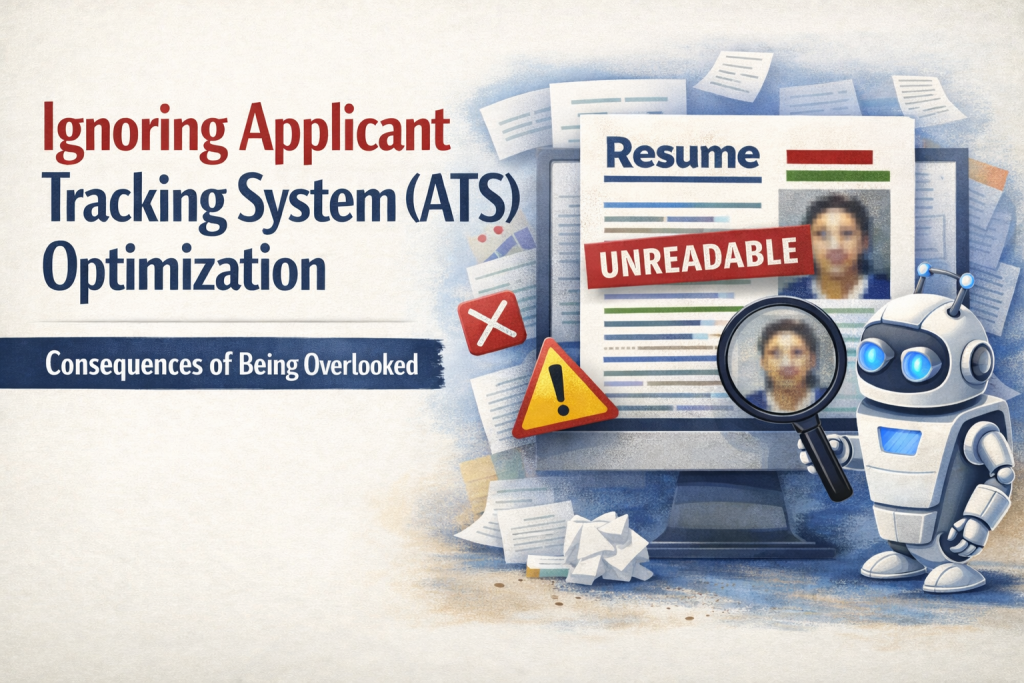
Over 90% of large companies use applicant tracking systems to filter resumes before human eyes see them. Resumes that aren’t ATS-friendly—regardless of your qualifications—often get rejected automatically. This is perhaps the most critical technical resume mistake in modern job searching.
How to fix it: Optimize your resume with relevant keywords from the job posting, including specific skills, software programs, certifications, and industry terminology. Use standard section headers (“Work Experience,” “Education,” “Skills”) that ATS systems recognize.
Save your resume as a .docx or PDF file with a clear naming convention (FirstName_LastName_Resume.docx). Avoid images, charts, or unusual formatting that ATS software can’t parse. Mirror the language in the job description while accurately representing your experience.
11. Listing References or "References Available Upon Request"
Including references directly on your resume or adding the outdated phrase “References available upon request” wastes valuable space. Employers assume you have references and will request them when needed, typically later in the interview process.
How to fix it: Remove any reference section or reference statement from your resume entirely. Instead, prepare a separate reference list document with the same header as your resume, listing 3-5 professional references with their names, titles, company names, phone numbers, and email addresses. Have this document ready to submit when requested. Use that reclaimed resume space for more relevant achievements and qualifications.
12. Omitting Important Keywords and Technical Skills
Many qualified candidates miss out on interviews because their resumes lack industry-specific keywords, technical skills, certifications, and buzzwords that both ATS systems and recruiters actively search for. This is especially problematic in technical fields.
How to fix it: Create a dedicated Skills section that includes both hard skills and relevant soft skills. List programming languages, software proficiencies, methodologies (Agile, Six Sigma), certifications, language fluencies, and technical competencies relevant to your target role. Include acronyms and spelled-out versions (“Search Engine Optimization (SEO)”) to ensure ATS compatibility.
Review multiple job postings in your field to identify frequently requested skills and incorporate those you genuinely possess.
13. Using an Unprofessional Email Address
Your email address is often the first impression you make. Addresses like “partygirl2024@email.com” or “hotshot123@email.com” immediately damage your professional credibility and suggest poor judgment.
How to fix it: Create a professional email address using some combination of your first name, last name, and perhaps a number if needed (firstname.lastname@email.com or firstnamelastname2024@email.com).
Avoid nicknames, humor, numbers that reference your birth year, or anything that doesn’t sound business-appropriate. If your name is common, adding your middle initial or profession can help (john.m.smith@email.com or johnsmith.marketing@email.com).
14. Inconsistent or Incorrect Dates and Details
Date inconsistencies between your resume and LinkedIn profile raise red flags about your accuracy and honesty. Similarly, incorrect job titles, company names, or degree information can derail your candidacy if discovered during background checks.
How to fix it: Ensure all dates, job titles, company names, and educational credentials are accurate and consistent across your resume, LinkedIn profile, and any other professional materials. Use the same date format throughout (Month Year is standard: “January 2020-March 2024”).
Verify company names match their official branding. Double-check your job titles—if your official title was “Marketing Coordinator” but you functioned as a manager, you can clarify in your bullets but shouldn’t change the official title.
15. Failing to Update Your Resume Regularly
Waiting until you desperately need a new job to update your resume means you’ll likely forget important accomplishments, projects, and metrics. This procrastination leads to weaker resume content and added stress during your job search.
How to fix it: Schedule quarterly resume reviews to add new accomplishments, update your skills section, and remove outdated information.
Keep a running “achievement document” where you track successes, metrics, projects completed, and positive feedback throughout the year. This makes updating your resume effortless and ensures you capture impressive details while they’re fresh.
Even if you’re not job searching, maintaining a current resume helps you stay ready for unexpected opportunities and provides a record of your professional growth.
Final Thoughts: Your Resume Is Your Marketing Document
Avoiding these 15 common resume mistakes dramatically increases your chances of landing interviews.
Remember that your resume isn’t just a chronological work history—it’s a strategic marketing document designed to showcase your unique value proposition. By eliminating formatting errors, optimizing for ATS systems, focusing on achievements over duties, and regularly updating your content, you’ll create a compelling resume that opens doors to your next career opportunity.
Whether you’re writing your first entry-level resume or updating an executive CV, these resume best practices will help you stand out in today’s competitive job market and advance your career goals.
What is the most common resume mistake job seekers make?
The most common resume mistake is using a generic, one-size-fits-all resume for every job application. ATS scans for keywords and qualifications mentioned in each posting, so you should tailor your professional summary and a few core bullets to match the role.
How do I know if my resume is ATS-friendly?
An ATS-friendly resume uses simple formatting (no tables, text boxes, headers/footers, or heavy graphics). Use standard section headers like Work Experience, Education, and Skills. Save as a .docx or ATS-safe PDF and include keywords naturally from the job description.
Should I include an objective statement on my resume?
No — objective statements are outdated. Replace them with a professional summary (2–4 sentences) that highlights experience, key skills, certifications, and measurable wins.
How long should my resume be?
Entry-level and 0–10 years of experience: aim for one page. Professionals with 10+ years can use two pages. Senior executives may go up to three if necessary.
How can I explain employment gaps on my resume?
For short gaps (under six months), consider using years only. For longer gaps, include relevant activities like courses, certifications, freelance work, consulting, volunteering, or caregiving responsibilities.
What action verbs should I use on my resume?
Use strong verbs like achieved, accelerated, built, created, delivered, developed, drove, enhanced, generated, implemented, improved, increased, launched, led, optimized, orchestrated, spearheaded, streamlined, and transformed. Avoid “responsible for” and “helped with.”
How often should I update my resume?
Update quarterly, even if you’re not actively searching. Keep a running achievement document to record results, projects, metrics, and strong feedback.
What file format should I use for my resume?
Use .docx for maximum ATS compatibility. PDF is often acceptable, but .docx is the safest standard. Name it clearly (FirstName_LastName_Resume.docx).
Create a free resume using smart AI here! Take away hours of creating different resumes for different jobs and see how ResumeShaperAI can help you get interviews quicker.
Try our Free AI Tools for jobseekers, making life easier to start a career.