

Finding the right modern resume template can be a frustrating and time-consuming process. Many sites promise free resources, only to hide the best designs behind a paywall or require a subscription to download your finished document. This guide cuts through the noise, providing a curated and comprehensive list of sources where you can find genuinely free modern resume templates.
Our goal is to help you quickly identify the best option for your specific career needs without the usual hassle. Whether you're a recent graduate, a mid-career professional, or a career changer, the right template can make a significant difference in how your application is perceived by both hiring managers and Applicant Tracking Systems (ATS). A well-designed resume communicates professionalism and makes your qualifications easy to scan, while a poorly formatted one can get your application dismissed before it's even read.
This article provides a detailed breakdown of the top platforms and websites offering high-quality, professional resume designs. For each source, you'll find:
- Direct links to the template libraries.
- Screenshots and previews to help you visualize the final product.
- Honest assessments of each platform’s strengths and limitations.
- Guidance on use cases, from creative roles to corporate positions.
- Practical tips for customization and ensuring your chosen template is ATS-friendly.
We've done the research so you can focus on what matters most: crafting compelling content that lands you your next interview. Let's dive into the best sources for modern resume templates free of charge.
1. Microsoft Create (official Microsoft Word templates)
As the official source for Microsoft Word, Microsoft Create offers a reliable and expansive gallery of modern resume templates free for anyone with access to the application. This platform is an excellent starting point for job seekers who are already comfortable with the Word ecosystem, providing a seamless editing experience both online and offline. The templates are professionally designed, ranging from minimalist and clean to more creative and visually distinct layouts, often including matching cover letter designs for a cohesive application package.
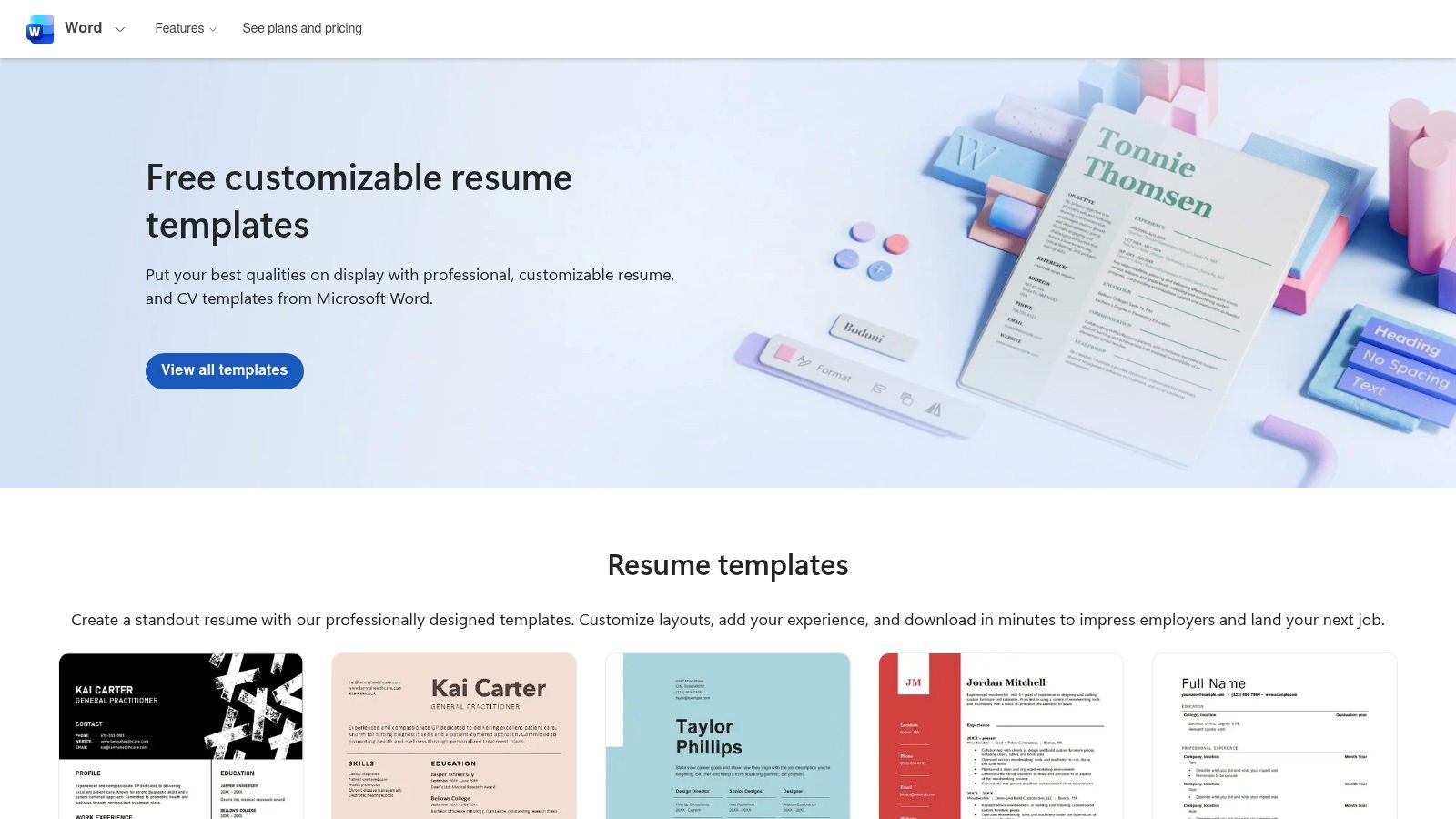
What sets Microsoft Create apart is its direct integration and clear labeling. The platform highlights specific templates designed to be ATS-friendly, removing the guesswork for candidates applying to roles at large corporations. This focus on compatibility is a significant advantage, ensuring your resume passes through initial automated screening without formatting errors. The user experience is straightforward, allowing you to filter, preview, and open your chosen template directly in Word for immediate customization.
Key Features and Usage
- Best For: Professionals, students, and career changers who prefer editing in a familiar Word environment.
- Access: Completely free with a Microsoft account (for online use) or a licensed copy of Microsoft Word (for desktop use).
- Template Quality: High-quality, professionally designed layouts that are easy to customize. The library includes options specifically marked as ATS-friendly.
- Tip: Once you open a template in Word, use the built-in "Resume Assistant" feature (powered by LinkedIn) for AI-driven suggestions and examples relevant to your industry.
While the selection is robust, the primary requirement is access to Microsoft Word. For those seeking other options, you can explore more resources in our guide to the best websites for resume templates.
Direct Link: Microsoft Create Resume Templates
2. Adobe Express
For job seekers who value creative control and a sleek, modern aesthetic, Adobe Express provides a powerful, browser-based suite of tools. This platform offers thousands of modern resume templates free of charge, featuring everything from bold, graphic-heavy designs to clean, minimalist layouts. Its intuitive drag-and-drop editor makes customization simple, allowing you to personalize colors, fonts, and layouts without any prior design experience. The experience is highly visual and ideal for creating a resume that stands out.
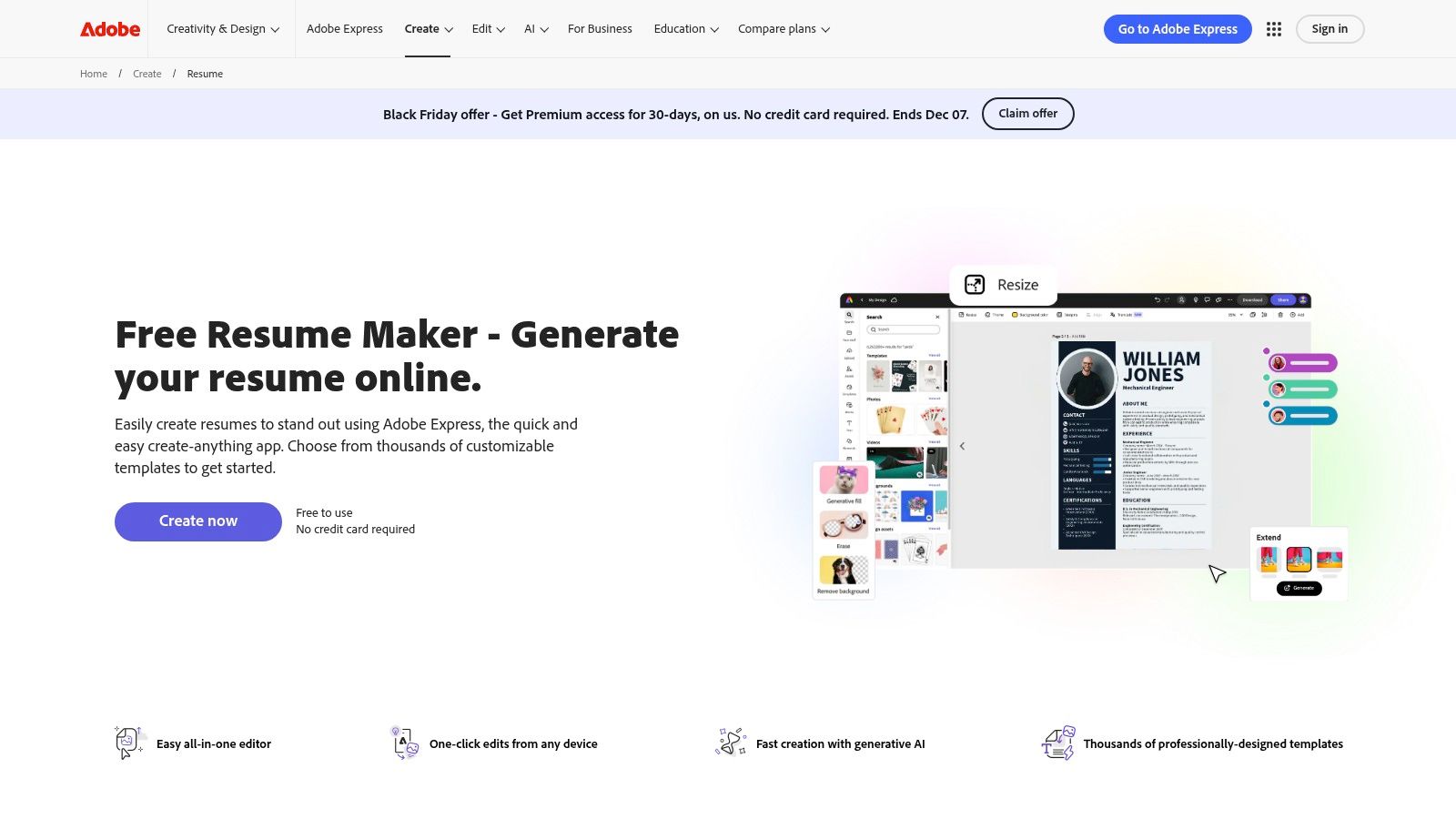
What makes Adobe Express a top contender is its seamless, cloud-based workflow and robust feature set, which is accessible from any device. Unlike traditional software, you can co-edit a resume with a mentor or collaborator in real-time. The platform also integrates AI-assisted tools to help with text generation and layout suggestions, streamlining the writing process. High-quality PDF export ensures your final document looks professional and is ready to be sent to recruiters, preserving its carefully crafted design.
Key Features and Usage
- Best For: Creatives, marketers, and professionals in visual-first industries, as well as anyone wanting a highly polished, custom-branded resume.
- Access: The core resume builder and many templates are completely free with an Adobe account. Some premium assets are marked with a crown icon.
- Template Quality: Professional and contemporary, with excellent typography and layout suggestions. The design-centric options are a major strength.
- Tip: Use the "Brand" feature to save your preferred colors and fonts, allowing you to create a matching cover letter and portfolio with consistent branding in just a few clicks.
While its design capabilities are first-rate, be mindful that highly visual templates may not be optimized for all ATS systems. Limited DOCX export is another consideration for those needing an editable text version.
Direct Link: Adobe Express Resume Maker
3. Canva
Canva has become a go-to platform for design-conscious professionals, offering a massive library of modern resume templates free for anyone to use. Its strength lies in its intuitive, drag-and-drop editor that makes customization incredibly simple, even for those without a graphic design background. The platform offers hundreds of sleek, contemporary layouts, many of which come with matching cover letter designs, allowing you to create a visually cohesive and professional brand for your job application.
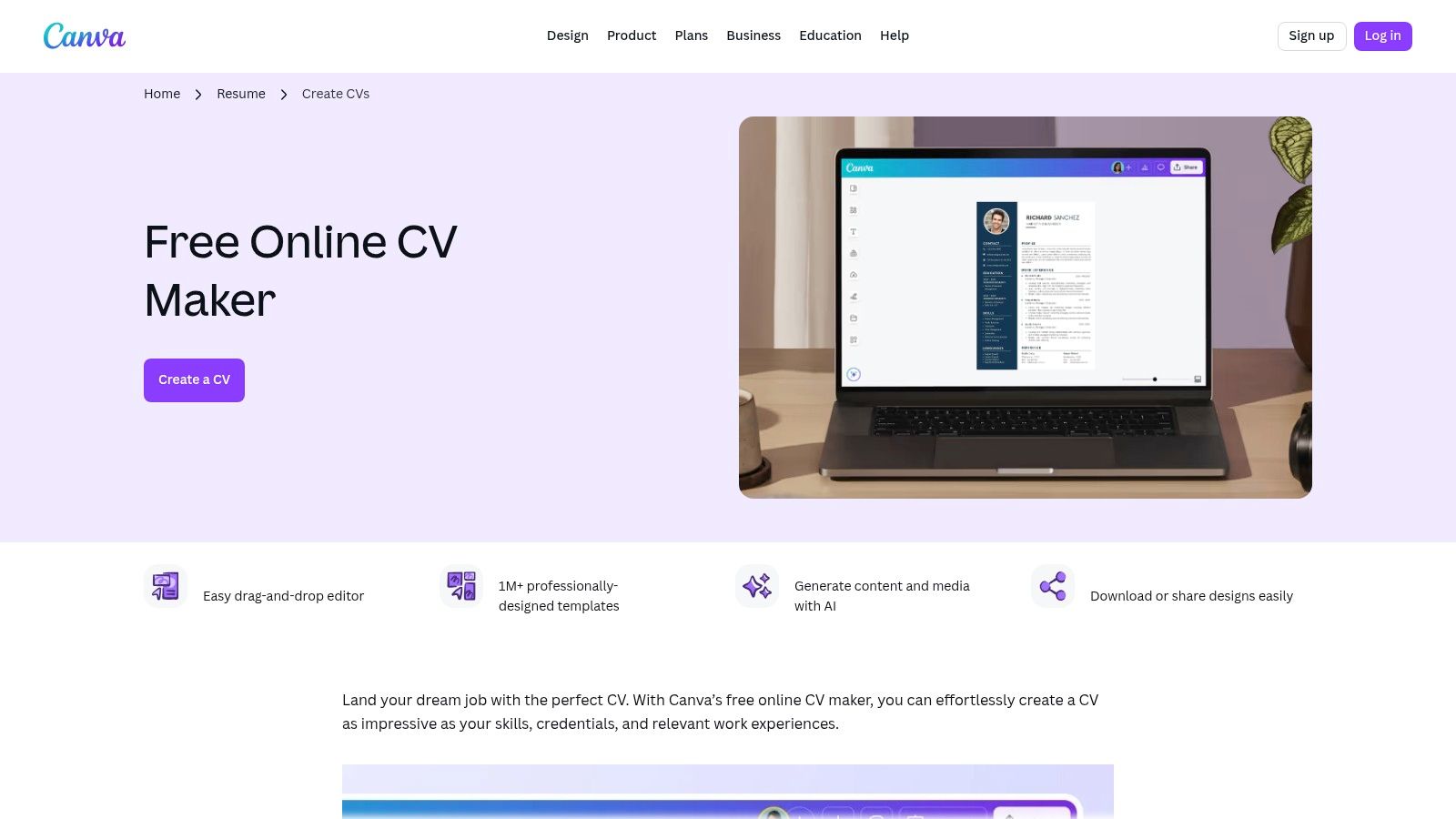
What truly sets Canva apart is its speed and visual flair. You can apply brand colors, change fonts across the entire document with a single click, and easily add or replace graphical elements. This makes it ideal for roles in creative fields like marketing, design, or social media, where a visually appealing resume can make a significant impact. The cloud-based editor saves your work automatically, and you can easily export your final document as a high-quality PDF ready for submission.
Key Features and Usage
- Best For: Creatives, marketers, and anyone in a visual role who wants a stylish, on-trend resume without needing design software.
- Access: A large selection of templates and elements is available for free with a Canva account. Some premium templates and assets require a Canva Pro subscription.
- Template Quality: Ranges from simple and professional to highly creative. The quality is consistently high, but users must be mindful that not all visually complex designs are ATS-friendly.
- Tip: Stick to templates with a clean, single-column layout and standard fonts to improve ATS compatibility. Always export as a PDF to preserve your formatting.
While the free offering is extensive, be sure to check that all elements in your chosen template are free to avoid watermarks. For a curated list of the best options, check out our guide to free Canva resume templates.
Direct Link: Canva CV Maker
4. Novorésumé
Novorésumé is a sophisticated resume builder that excels at providing clean, modern resume templates free of charge, with a significant emphasis on ATS compatibility and professional design. The platform guides users through the creation process, offering built-in tips on structure, keyword usage, and content, making it an excellent tool for those who want a polished final product without extensive design knowledge. Its templates are recruiter-approved and focus heavily on readability and information hierarchy.
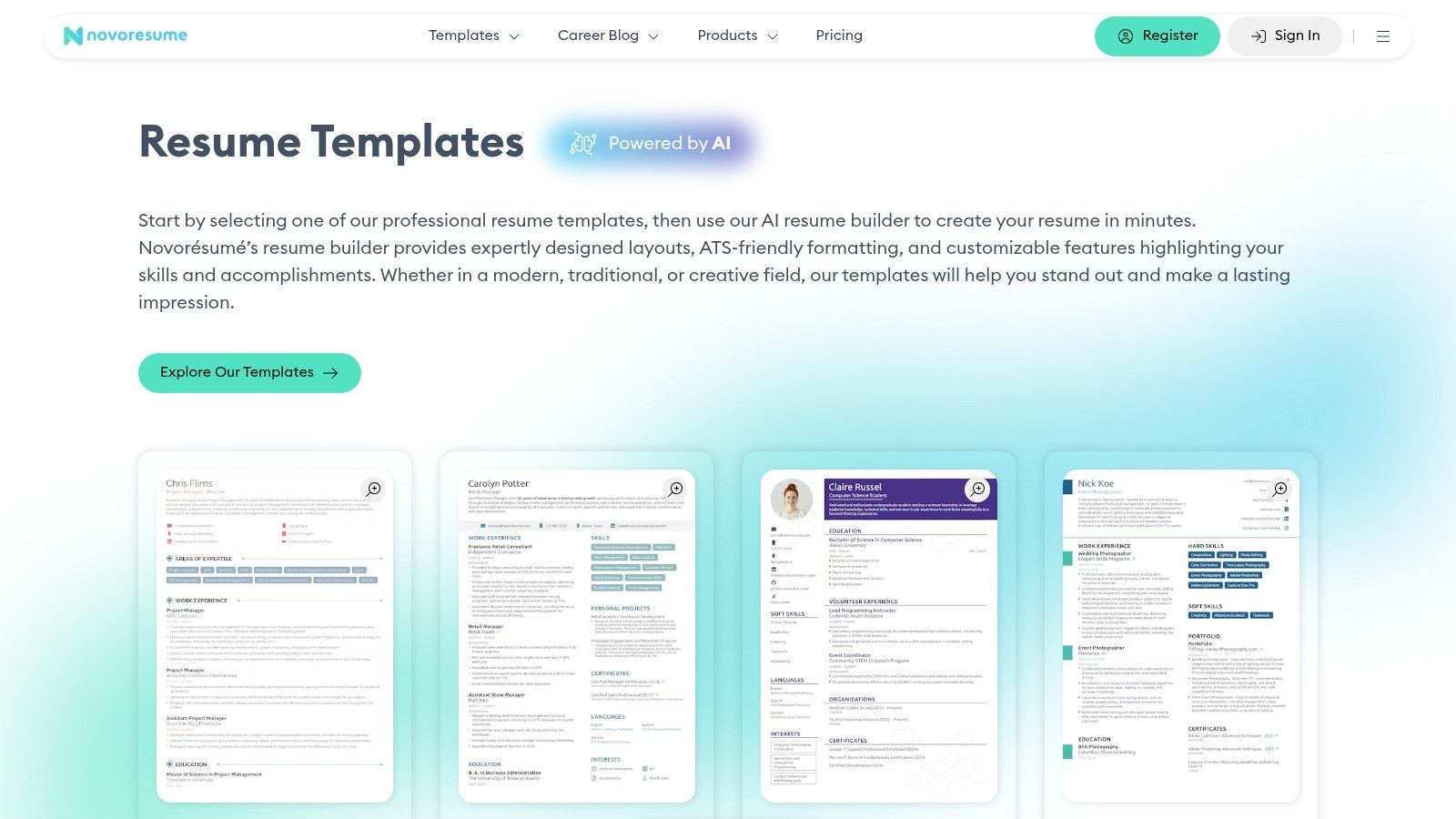
What makes Novorésumé stand out is its intelligent, user-friendly interface that prevents common formatting mistakes. For example, the one-page resume constraint on the free plan encourages conciseness, a best practice often recommended by career experts. The platform’s real-time feedback and content optimizer help you tailor your resume effectively, suggesting improvements as you write. While the free version has some limitations, it offers more than enough functionality to create a high-impact, professional resume.
Key Features and Usage
- Best For: Students, recent graduates, and professionals who need a guided experience to build a visually appealing and ATS-compliant resume.
- Access: A freemium model. The free plan provides access to several high-quality templates and core features, but advanced designs and functionalities require a Premium subscription.
- Template Quality: Excellent, with modern, minimalist, and creative styles that are tuned for both human readability and automated screeners.
- Tip: Use the built-in content suggestions and examples for each section. They provide a strong starting point and help you overcome writer's block when describing your accomplishments.
Direct Link: Novorésumé Resume Templates
5. Zety
Zety is a popular resume builder that excels at guiding users through the writing process with modern resume templates free to build and preview. Its step-by-step wizard, complete with AI-powered content suggestions and a "resume check" feature, simplifies the task of creating a polished document from scratch. The platform offers a clean, user-friendly interface and a curated selection of professional templates that are easily customizable, making it ideal for those who need extra support in crafting their content.
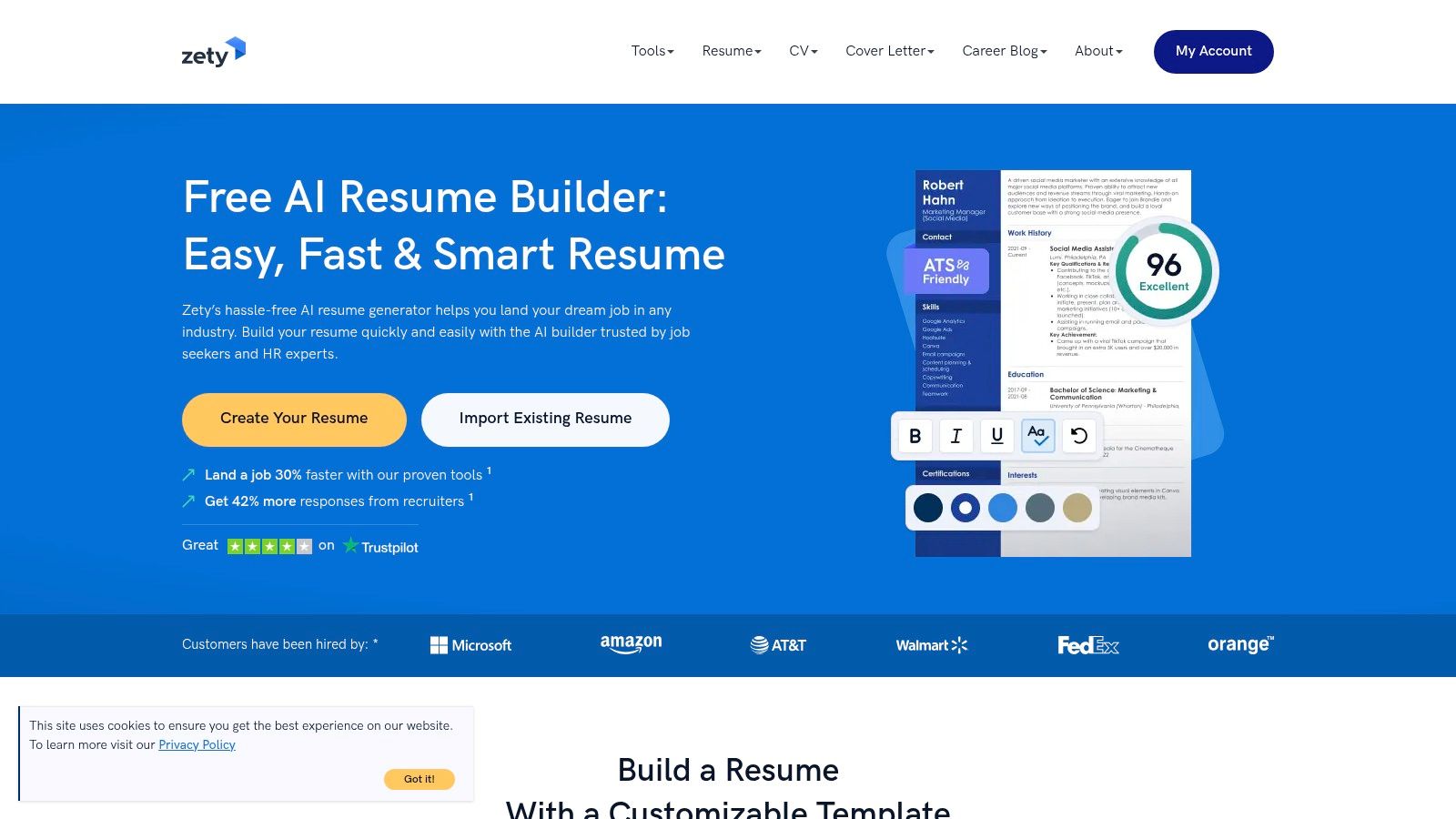
What makes Zety stand out is its dual focus on design and content creation. While many platforms offer templates, Zety provides actionable prompts and pre-written phrases tailored to various industries, helping users overcome writer's block. Although a subscription is needed to download a formatted PDF or Word document, users can build their entire resume and download it as a basic TXT file for free. This allows you to get your content finalized before deciding to subscribe for a formatted version, often via a low-cost trial.
Key Features and Usage
- Best For: First-time resume writers, students, and professionals who want a guided experience with content suggestions.
- Access: Free to build, preview, and download as a plain text (TXT) file. A paid subscription or trial is required for formatted PDF/DOCX downloads.
- Template Quality: High-quality, contemporary, and minimalist designs that are ATS-friendly and look professional. Many templates come with a matching cover letter design.
- Tip: Use the free text download to copy your finalized content into another program like Google Docs or Microsoft Word if you need to format it yourself without paying.
While the free offering is limited to a plain text file, Zety's builder is an excellent tool for organizing your thoughts and creating professional-grade content.
Direct Link: Zety Resume Builder
6. Resume.io
Resume.io is a highly polished resume builder known for its intuitive interface and collection of professionally designed, ATS-ready templates. It streamlines the creation process with helpful tools like pre-written phrases, a built-in spell checker, and content suggestions, making it ideal for users who want guidance while building their document. The platform offers a selection of modern resume templates free to use within its editor, with designs that are clean, professional, and optimized for scannability by both recruiters and software.
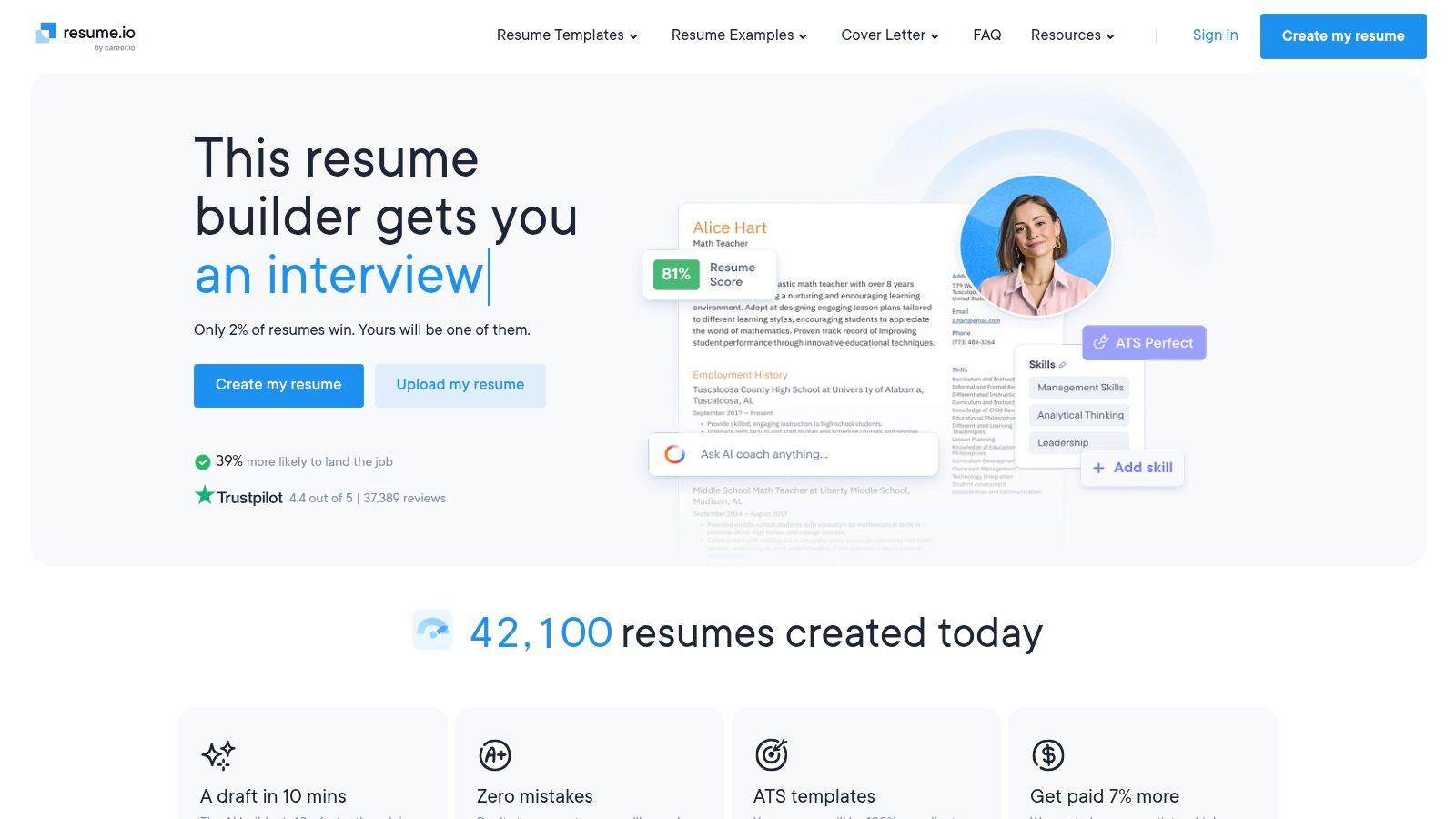
What makes Resume.io stand out is its excellent user experience, which guides you step-by-step to produce a high-quality resume in minutes. The templates have been field-tested to ensure they pass through applicant tracking systems without issues, giving users confidence in their applications. While the builder itself is feature-rich, the free plan has a significant limitation: you can only export your finished resume as a basic TXT file. Access to premium templates and PDF or DOCX downloads requires a subscription after a trial period.
Key Features and Usage
- Best For: Job seekers who want a guided, fast, and highly polished resume-building experience with content suggestions.
- Access: Free to create, edit, and export as a TXT file. A paid subscription is required for PDF/DOCX downloads and access to all templates.
- Template Quality: Excellent, with clean and modern layouts tested for ATS compatibility. Matching cover letter templates are also available.
- Tip: Use the free plan to draft your content with the help of its pre-written phrases and spell checker. You can then copy this text into another free tool or template if you need a PDF format without subscribing.
Direct Link: Resume.io
7. Jobscan
Jobscan is a platform built around a single, critical mission: helping your resume beat the applicant tracking system (ATS). It offers a curated selection of modern resume templates free to download in both Word and Google Docs formats, all designed with ATS compatibility as the top priority. This laser focus makes Jobscan an invaluable resource for anyone applying to medium or large companies where automated screening is standard practice. The platform also includes a free resume builder with unlimited basic downloads, providing an accessible, all-in-one tool for crafting a compliant document.
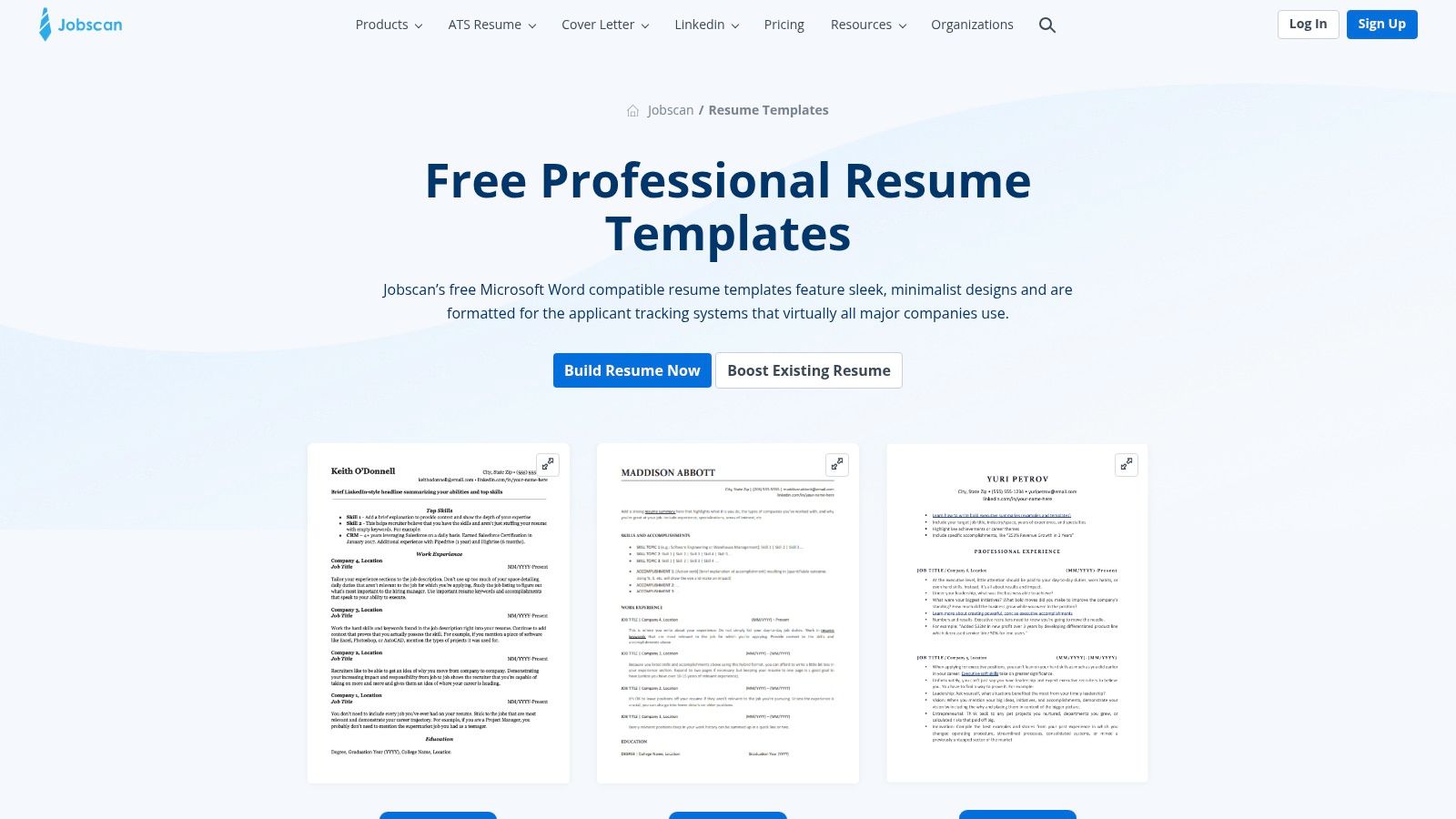
What truly sets Jobscan apart is its educational component. Beyond just providing templates, the platform offers optimization tips and an AI editor to help you tailor your resume to specific job descriptions. This functional approach ensures your resume is not only well-formatted but also rich with relevant keywords. The designs lean toward professional and simple layouts rather than highly decorative ones, which is a deliberate choice to maximize scannability and avoid formatting errors that can get a resume rejected by an ATS.
Key Features and Usage
- Best For: Job seekers in competitive fields, especially those applying to large corporations that rely heavily on ATS screening.
- Access: The templates and a basic resume builder are completely free with unlimited downloads. Advanced AI optimization tools require a paid subscription.
- Template Quality: High-quality, ATS-optimized, and professional. The designs are clean and functional, prioritizing content and readability over creative flair.
- Tip: Use Jobscan’s free resume scan tool to compare your completed resume against a specific job description to identify keyword gaps and formatting issues before you apply.
While the design variety is intentionally limited, the platform's core strength is its powerful focus on technical compliance. To deepen your understanding of these systems, explore our guide on creating the ultimate guide to ATS-friendly resumes.
Direct Link: Jobscan Resume Templates
8. Hloom
Hloom is a long-standing resource offering a wide variety of modern resume templates free to download, primarily designed for Microsoft Word. It serves as a straightforward library for job seekers who want a classic editing experience without the constraints of an online builder. The platform categorizes its templates clearly, allowing users to browse through modern, creative, and simple designs to find a layout that suits their industry and personal brand. The clear thumbnail previews make it easy to quickly assess each option before downloading.
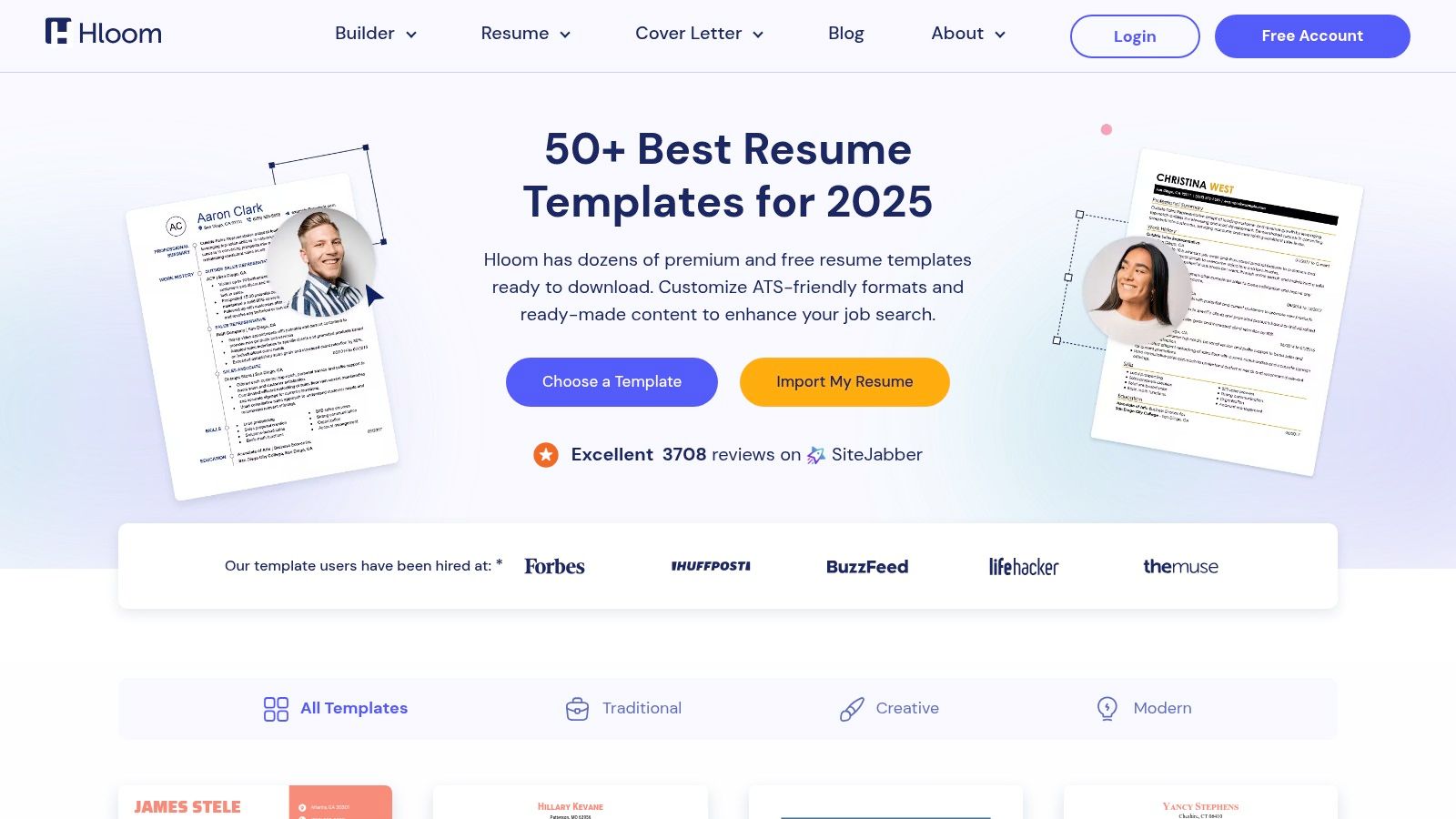
What makes Hloom a practical choice is its focus on providing direct Word-compatible files, which appeals to professionals who prefer offline customization. Many of the simpler, cleaner layouts are inherently ATS-friendly due to their traditional structure and lack of complex formatting. While the site also features a resume builder and premium templates, its core value for those on a budget lies in its accessible free downloads. Users just need to be mindful to navigate to the free template sections to avoid the premium offerings.
Key Features and Usage
- Best For: Job seekers who are comfortable using Microsoft Word and want direct downloads without signing up for a builder.
- Access: Many templates are completely free to download as .docx files. The site also offers a resume builder with "Full Access" premium features.
- Template Quality: The selection includes a mix of modern and traditional designs. The free templates are generally clean, professional, and suitable for passing through applicant tracking systems.
- Tip: Filter specifically for "free" templates to streamline your search. Stick to single-column layouts with standard fonts to maximize ATS compatibility.
Direct Link: Hloom Resume Templates
9. BeamJobs
BeamJobs stands out by offering a curated collection of genuinely modern resume templates free for download in both Microsoft Word and Google Docs formats. The platform focuses on practical, recruiter-approved designs that prioritize readability and ATS compatibility over flashy graphics. This no-nonsense approach is ideal for job seekers who want a professional, clean, and effective resume without navigating complex builders or hidden fees.
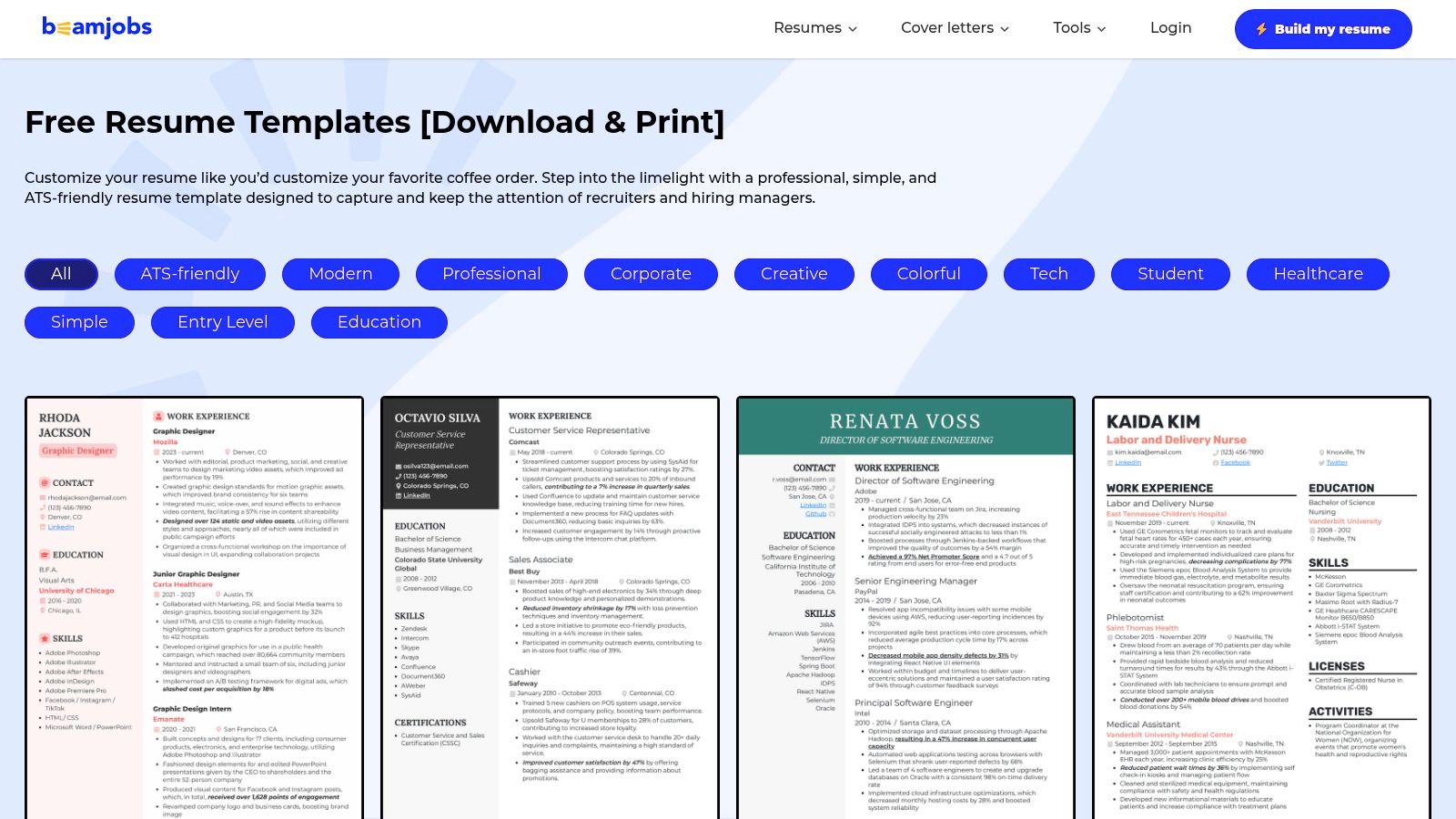
What makes BeamJobs unique is its straightforward commitment to free resources. Unlike many platforms that offer a "freemium" model, BeamJobs provides direct download links to its templates without requiring a sign-up or subscription. Each template is accompanied by clear guidance on how to tailor it for specific roles, emphasizing its ATS-friendly structure. The platform also offers optional AI tools to help generate bullet points or a cover letter, adding value without gating the core templates.
Key Features and Usage
- Best For: Job seekers who value simplicity, ATS compliance, and the flexibility of editing in either Word or Google Docs.
- Access: Completely free. Templates are available for direct download in DOCX and Google Docs formats with no account required.
- Template Quality: The templates are uncluttered, professional, and built with modern hiring practices in mind, ensuring they are easily parsed by both software and human recruiters.
- Tip: Use the one-click "Copy to Google Docs" feature for the fastest way to start editing. This avoids download-upload steps and instantly creates an editable copy in your Google Drive.
While the selection of eight templates is smaller than on larger sites, the quality and proven effectiveness of each design make it a reliable choice for any professional.
Direct Link: BeamJobs Resume Templates
10. Template.net
Template.net offers an enormous library of modern resume templates free across an impressive array of file formats, making it a versatile hub for job seekers with diverse software preferences. Beyond typical Word and Google Docs files, it provides templates for Adobe Photoshop, Illustrator, InDesign, and Apple Pages. This flexibility makes it a go-to resource for creative professionals and anyone looking for a design that stands out, backed by a constantly updated catalog of styles.
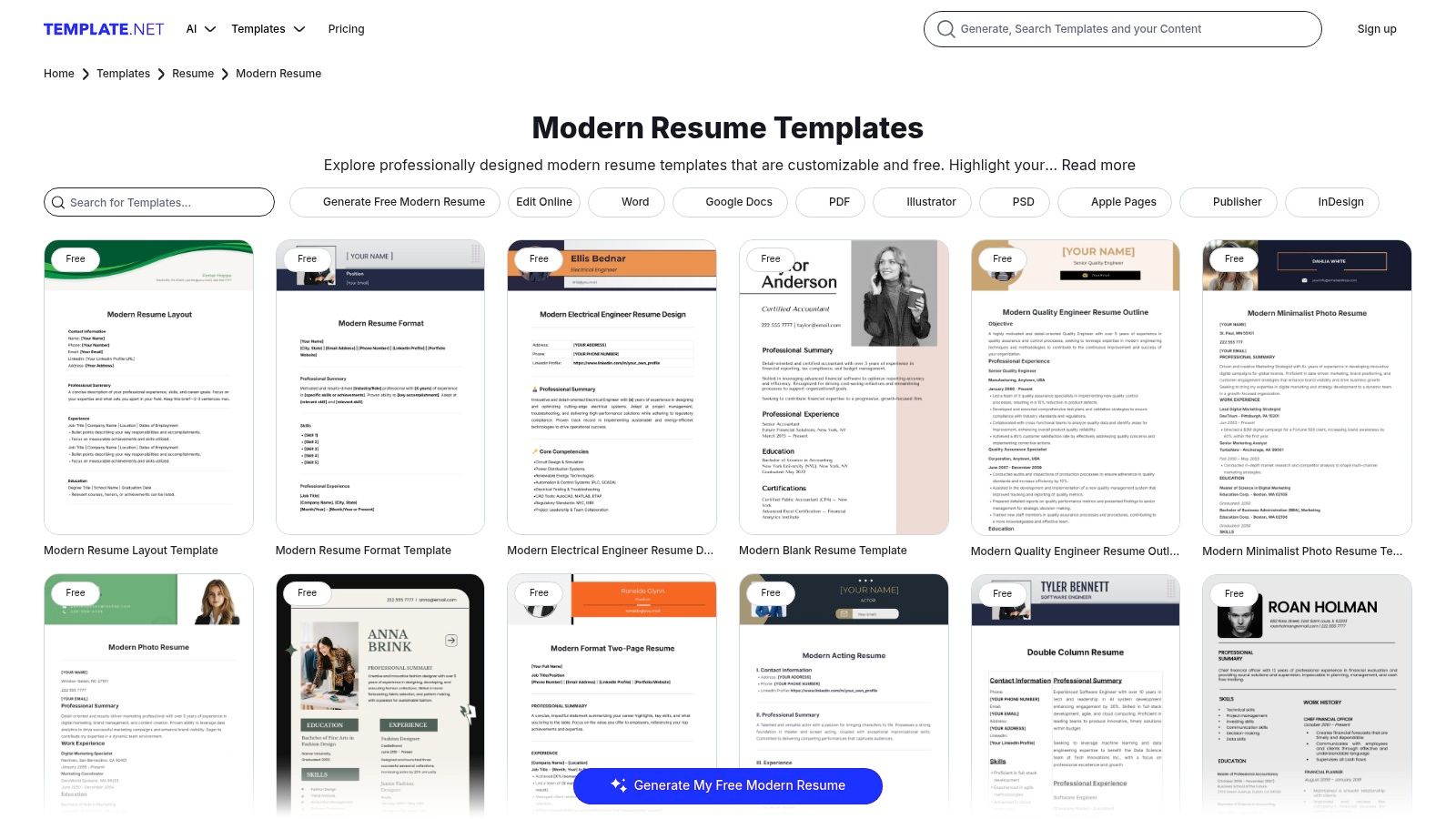
What sets Template.net apart is its sheer volume and multi-format availability. While many platforms focus exclusively on the Microsoft and Google ecosystems, Template.net caters to designers and Mac users just as effectively. The platform also features an online editor, allowing for quick customizations directly in the browser before downloading. However, users should be aware that the site operates on a freemium model; many high-quality designs require a premium subscription, so it's important to filter for free options.
Key Features and Usage
- Best For: Creative professionals, designers, and any job seeker who needs templates in formats beyond Word or Google Docs (like PSD, AI, or Pages).
- Access: Many templates are free to download, but an account is often required. Premium templates require a subscription.
- Template Quality: The collection is vast, with quality ranging from basic to highly professional. The modern designs are visually appealing and well-structured.
- Tip: Use the search filters to narrow down results by "Free" and by your preferred file format (e.g., "Google Docs") to quickly find compatible and cost-free options without navigating through premium content.
While the selection is massive, the mix of free and paid templates can sometimes make the browsing experience less straightforward.
Direct Link: Template.net Modern Resume Templates
11. Overleaf
Overleaf is a cloud-based LaTeX editor that offers some of the most sophisticated and modern resume templates free of charge, making it a top choice for academic, scientific, and technical professionals. Its templates are renowned for their superior typography, clean structure, and pixel-perfect PDF output. Instead of a traditional WYSIWYG editor, Overleaf uses a code-based approach, which guarantees flawless formatting and professional typesetting that stands out to discerning hiring managers.
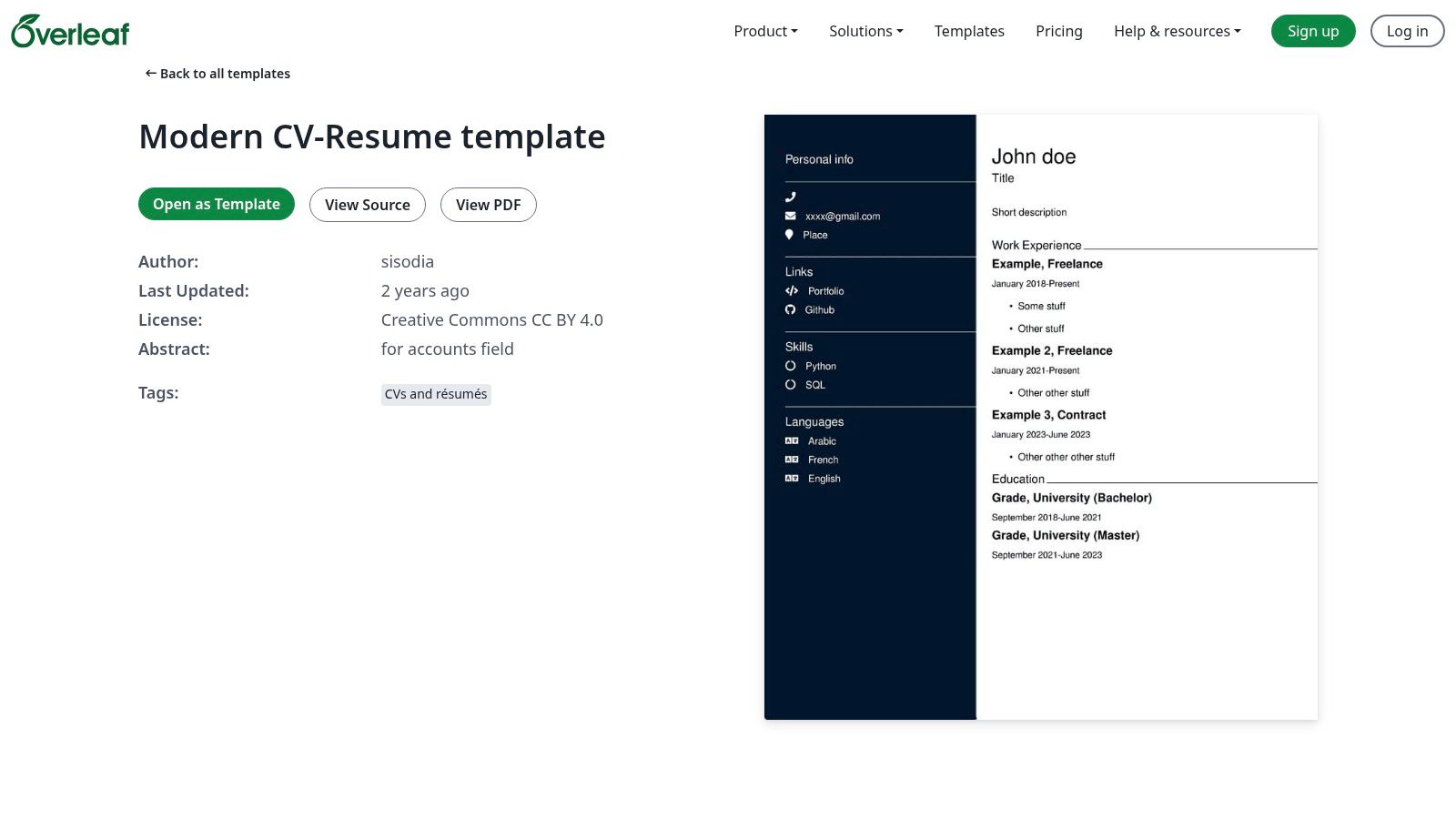
What makes Overleaf unique is its community-driven gallery of templates, where users can share their designs under open licenses. This results in a diverse collection, from minimalist single-column layouts to complex multi-column CVs. The platform’s collaborative, cloud-based nature allows you to edit your resume from anywhere, track changes, and instantly compile a high-resolution PDF. While there is a learning curve with LaTeX, the results are unparalleled for creating a crisp, modern document.
Key Features and Usage
- Best For: Academics, researchers, engineers, and data scientists who value precision and a clean, technical aesthetic.
- Access: Completely free to use. Users can copy any public template, edit it online, and download the finished PDF without a subscription.
- Template Quality: Exceptional. The LaTeX engine produces professional-grade documents with perfect spacing and typography that are difficult to replicate in standard word processors.
- Tip: Start with a popular, well-documented template. You can make most changes by simply replacing the placeholder text without needing to learn complex LaTeX commands.
Direct Link: Overleaf Modern CV & Resume Templates
12. Etsy
Etsy is a global marketplace renowned for handcrafted goods, but it also hosts a massive digital library of designer-made resume templates. While not a source for entirely modern resume templates free, it offers premium, aesthetically unique designs at very low, one-time costs. Job seekers can find hyper-specific styles, from ultra-minimalist to creatively bold, often sold as comprehensive kits with matching cover letters, reference pages, and even business card designs. These templates are available for various platforms like Canva, Word, and Google Docs, delivered instantly as digital downloads.
What sets Etsy apart is the sheer variety and the human touch behind each design. You are purchasing directly from an independent creator, and many listings include detailed instructions, icon packs, and dedicated customer support from the seller. This is an ideal route for individuals in creative fields or anyone wanting a resume that truly stands out from standard templates. The user experience is straightforward, with robust search filters and detailed previews that let you see exactly what you are getting before you buy.
Key Features and Usage
- Best For: Creatives, designers, and professionals who want a highly unique, coordinated application package and are willing to pay a small fee.
- Access: Mostly paid, with instant digital downloads after a one-time purchase. Prices are generally very affordable.
- Template Quality: Varies by seller but is often exceptional, with a focus on modern aesthetics and unique typography. Quality can be assessed via seller reviews and ratings.
- Tip: Carefully read the item description to confirm the required software (e.g., Canva, Word) and check if any elements require a Canva Pro account.
Direct Link: Etsy Resume Templates
12 Free Modern Resume Template Sources Compared
| Product | Core features | UX / Quality (★) | Value / Pricing (💰) | Target (👥) | Unique selling points (✨🏆) |
|---|---|---|---|---|---|
| Microsoft Create (Word) | Templates for Word, ATS section, DOCX/PDF export, offline/online | ★★★★☆ | 💰 Free (MS account for some features) | 👥 Word users, professionals | ✨ First‑party MS templates, 🏆 strong Word integration |
| Adobe Express | Browser drag‑drop editor, AI text/layout help, PDF export, collaboration | ★★★★☆ | 💰 Free with Premium elements | 👥 designers, cross‑device users | ✨ Rich editor + collaboration, 🏆 Adobe export quality |
| Canva | Huge template library, one‑click branding, cloud saves, PDF export | ★★★★★ | 💰 Freemium (Canva Pro for premium assets) | 👥 non‑designers, creatives | ✨ Fast branding tools, 🏆 massive template community |
| Novorésumé | ATS‑friendly templates, structure guidance, keyword tips | ★★★★☆ | 💰 Freemium (Premium gates layouts/features) | 👥 career builders wanting guidance | ✨ Recruiter‑tuned templates, 🏆 content guidance |
| Zety | Modern templates, AI suggestions, resume check, cover letters | ★★★★ | 💰 Low‑cost trial for formatted exports (TXT free) | 👥 first‑time builders | ✨ Resume check & prompts, 🏆 guided writing flow |
| Resume.io | ATS‑tested templates, pre‑written phrases, spelling checks, cover letters | ★★★★ | 💰 Freemium (full PDF/DOCX paid) | 👥 users needing quick polished resumes | ✨ UX‑driven flow, 🏆 polished interface |
| Jobscan | ATS‑optimized templates, AI editor, optimization tips, Word/Docs files | ★★★★☆ | 💰 Free basic tools; paid for advanced AI | 👥 ATS‑focused applicants | ✨ ATS scoring & optimization, 🏆 best for ATS pass rates |
| Hloom | Word‑compatible modern/minimal templates, clear thumbnails, downloads | ★★★ | 💰 Mostly free + some premium | 👥 Word users seeking simple templates | ✨ Large free catalog, 🏆 long‑standing template source |
| BeamJobs | Truly free DOCX/Google Docs templates, optional AI bullets/cover letters | ★★★★ | 💰 Free | 👥 budget‑conscious job seekers | ✨ Truly free downloads, 🏆 practical ATS guidance |
| Template.net | Multi‑format templates (DOCX/PSD/AI/INDD/PDF), online editor, huge variety | ★★★★ | 💰 Mixed free/premium, account needed for some edits | 👥 designers, multi‑format users | ✨ Deep format support, 🏆 widest format variety |
| Overleaf | LaTeX CV templates, cloud editor, versioning, high‑quality PDF output | ★★★★ | 💰 Free PDF export; paid for advanced features | 👥 academics, technical candidates | ✨ Professional typesetting, 🏆 ideal for technical CVs |
| Etsy | Marketplace of designer template kits for Canva/Word/Docs, instant delivery | ★★★ | 💰 One‑time purchases (affordable) | 👥 buyers wanting unique aesthetics | ✨ Niche / designer styles, 🏆 huge marketplace variety |
Final Thoughts
Navigating the landscape of modern resume templates free can feel overwhelming, but the right tool and template can profoundly impact your job search. As we've explored, the "best" template isn't a one-size-fits-all solution; it's the one that aligns with your industry, career level, and the specific requirements of the jobs you're targeting. The journey from a blank page to a polished, professional document is now more accessible than ever, thanks to a diverse array of powerful platforms.
Our deep dive into tools like Canva and Adobe Express revealed that visual appeal doesn't have to come at the expense of functionality. These platforms are ideal for creative roles or when you need to make a strong visual first impression. However, for most corporate, tech, and administrative roles, the priority shifts decisively toward Applicant Tracking System (ATS) compatibility.
This is where the true challenge lies. A visually stunning resume that can't be parsed by an ATS is effectively invisible. This is why we emphasized the importance of tools like Jobscan for validation and why platforms with dedicated ATS-friendly collections, such as Zety and Novorésumé, are so valuable. The key takeaway is to always prioritize clarity and scannability over complex design elements like tables, columns, and icons that can confuse automated systems.
Your Action Plan for Success
The ultimate goal is to create a document that works for both human recruiters and their software gatekeepers. To move forward effectively, consider the following steps:
- Assess Your Needs: Are you in a creative field where a unique design from Etsy or Adobe Express will stand out? Or are you applying for roles at large corporations where a simple, ATS-optimized Word template from Microsoft Create or Hloom is the safer, more strategic choice? Define your primary audience first.
- Select and Customize: Choose a template from our list that fits your needs. Remember, a template is a starting point, not a final product. Customize it heavily with your own metrics, accomplishments, and keywords tailored to the job description. Generic content will not get you noticed.
- Prioritize ATS Compliance: Regardless of the source, vet your chosen template for ATS-friendliness. Stick to standard fonts, clear headings, and a single-column layout. Avoid putting crucial information like contact details in the header or footer, as some systems may fail to parse it correctly.
- Test and Refine: Before you start sending it out, test your resume. A simple way is to copy and paste the text into a plain-text editor like Notepad or TextEdit. If the content appears jumbled and out of order, an ATS will likely read it the same way. Refine the formatting until the plain-text version is clean and logical.
Ultimately, the most effective modern resume is a strategic blend of professional design and machine-readable structure. The abundance of modern resume templates free online empowers you to craft a compelling narrative of your career journey without any financial investment. By being deliberate in your selection and meticulous in your customization, you can create a powerful tool that not only represents your skills but also successfully navigates the complex digital hiring process to land you that crucial interview.
Tired of manually tweaking templates and worrying about ATS compatibility? Take the guesswork out of resume writing with ResumeShaperAI. Our platform leverages AI to generate a fully optimized, modern resume tailored to your target job in minutes, ensuring it impresses both recruiters and algorithms. Get started with ResumeShaperAI and build your next-level resume today.