
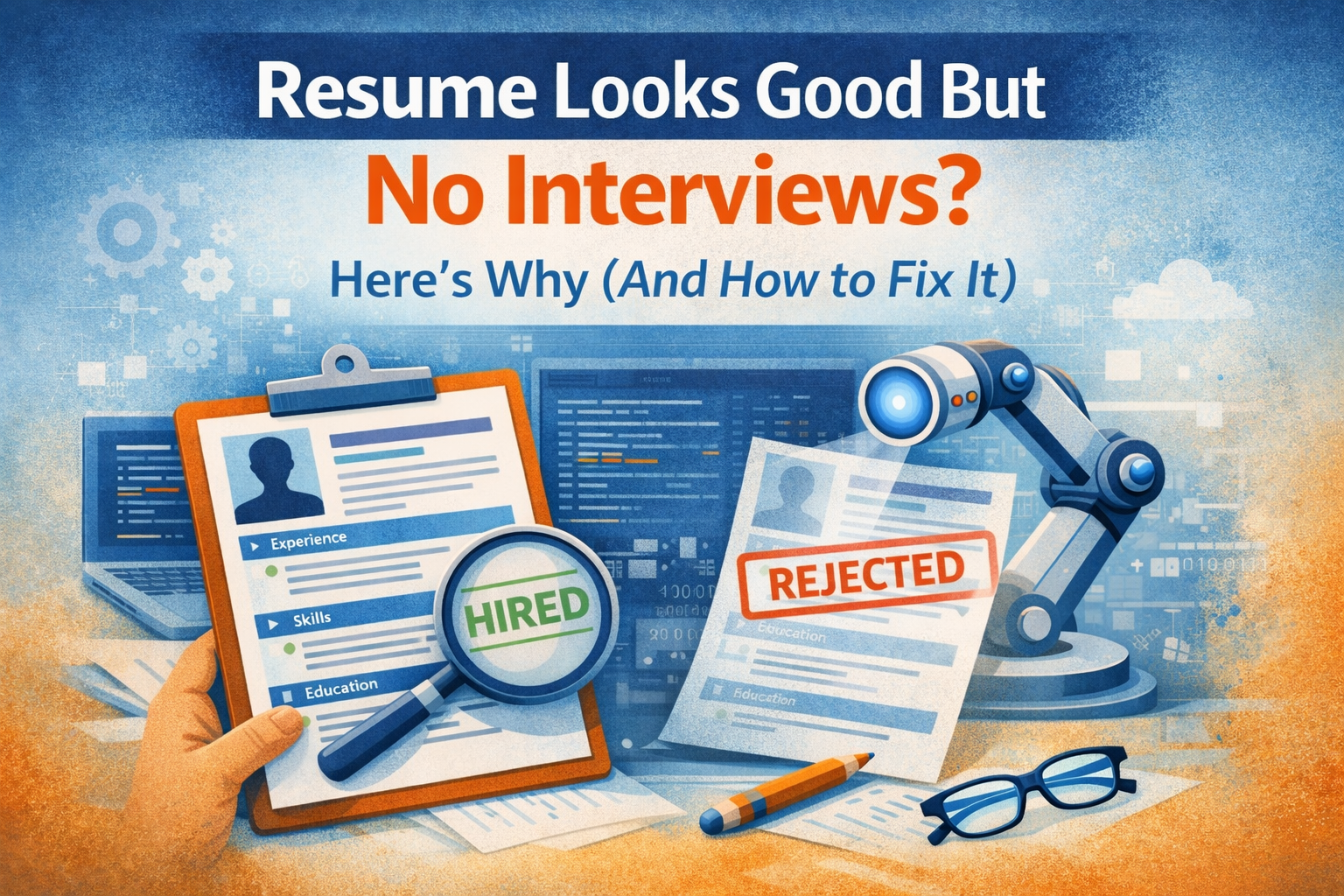
Resume Looks Good But No Interviews? Here's Why (And How to Fix It)
You’ve spent hours perfecting your resume, tailoring it to job descriptions, and submitting applications to dozens of companies.
Yet weeks pass, and your inbox remains frustratingly empty. The problem isn’t that you’re unqualified—it’s that your resume isn’t making it past the gatekeepers. Most resumes today are rejected by Applicant Tracking Systems (ATS) before a human ever sees them, and even those that pass often fail to grab a hiring manager’s attention in the critical six-second scan.
The good news? Once you understand what’s blocking your resume from getting noticed, you can fix it. This guide will walk you through the exact steps to transform your resume from overlooked to interview-worthy.
Understanding Why Your Resume Gets Rejected
Before you can fix your resume, you need to understand the two-stage gauntlet it must survive.
First, it faces Applicant Tracking Systems—software that scans and ranks resumes based on keywords, formatting, and relevance.
According to industry estimates, up to 75% of resumes are rejected at this stage. Second, if your resume passes the ATS, it lands in front of a hiring manager who spends an average of just six seconds deciding whether to continue reading or move on.
Your resume might be getting rejected because it lacks relevant keywords that match the job description, uses formatting that confuses ATS software, fails to quantify achievements, or simply doesn’t highlight your most relevant qualifications prominently enough.
Even small issues like using tables, headers and footers, or unusual fonts can cause ATS systems to misread or reject your application entirely.
How to Write an ATS-Friendly Resume That Gets Results

Step 1: Master Resume Keywords for Job Applications
Keywords are the foundation of an ATS-optimized resume. Start by carefully analyzing the job posting and identifying the specific skills, qualifications, and experience the employer seeks. Look for repeated phrases, required certifications, and technical skills.
Create a master list of keywords from the job description, then strategically incorporate them throughout your resume—in your professional summary, work experience bullet points, and skills section. However, avoid keyword stuffing. Use keywords naturally within the context of your actual accomplishments and responsibilities.
For best results when optimizing your resume for applicant tracking systems, mirror the exact language used in the job posting. If the posting says “project management,” use that exact phrase rather than “managed projects.” ATS systems look for precise matches, and subtle variations can hurt your ranking.
Step 2: Choose the Right Resume Format for ATS Systems
The format of your resume can make or break its ATS compatibility. Stick with a simple, clean layout using standard fonts like Arial, Calibri, or Times New Roman in 10-12 point size. Use standard section headings like “Work Experience,” “Education,” and “Skills” so the ATS can easily categorize your information.
Avoid these common formatting mistakes that prevent resumes from passing ATS screening:
- Tables, text boxes, or columns that confuse parsing software
- Headers and footers where ATS can’t read information
- Images, graphics, or logos that aren’t scannable
- Unusual fonts or decorative elements
- Saving your resume as a JPEG or PNG instead of PDF or Word
Use a reverse-chronological format, which lists your most recent experience first. This is the most ATS-friendly resume format and also the preferred structure for hiring managers.
Step 3: Write Achievement-Focused Bullet Points
Generic job descriptions won’t differentiate you from other candidates. Instead of listing responsibilities, focus on quantifiable achievements that demonstrate your impact. Use the formula: Action Verb + Task + Result.
Weak example: “Responsible for managing social media accounts” Strong example: “Increased social media engagement by 156% over six months by implementing a data-driven content strategy, resulting in 2,400 new qualified leads”
Include specific metrics whenever possible—percentages, dollar amounts, time saved, or number of people impacted. These numbers catch both ATS algorithms and human attention, proving you deliver measurable results.
Step 4: Craft a Compelling Professional Summary
Your professional summary sits at the top of your resume and serves as your elevator pitch. This 3-4 sentence section should immediately communicate your value proposition and include relevant keywords for your target role.
An effective professional summary for your resume includes:
- Your current professional identity and years of experience
- Your core areas of expertise with relevant keywords
- Your most impressive quantified achievement
- What you’re seeking in your next role
For example: “Results-driven Digital Marketing Manager with 7+ years of experience developing data-driven campaigns that increase conversion rates and ROI. Expert in SEO optimization, content marketing strategy, and marketing automation tools. Increased annual revenue by $1.2M through targeted email campaigns and customer segmentation. Seeking to leverage analytical skills and creative problem-solving in a growth-focused organization.”
Step 5: Tailor Your Resume to Each Job Application
One of the biggest mistakes job seekers make is using the same generic resume for every application. While you shouldn’t completely rewrite your resume each time, you should customize it for each position.
When tailoring your resume to specific job descriptions:
- Adjust your professional summary to match the role’s requirements
- Reorder bullet points to highlight the most relevant experience first
- Add or emphasize keywords that appear in the job posting
- Include specific skills or certifications mentioned as requirements
- Remove less relevant experience to keep your resume focused and concise
This customization process might add 15-20 minutes per application, but it can dramatically increase your interview callback rate.
Step 6: Optimize Your Skills Section
Your skills section is prime real estate for ATS keywords. Divide it into categories like “Technical Skills,” “Certifications,” and “Core Competencies” to make it easy for both ATS and humans to scan.
Include a mix of hard skills (specific, teachable abilities like software proficiency or data analysis) and soft skills (interpersonal qualities like leadership or communication). However, prioritize hard skills with relevant keywords from the job description, as these are what ATS systems primarily scan for.
List skills exactly as they appear in job postings. If a position requires “JavaScript,” don’t only list “JS” or “Java Script” with a space, as the ATS might not recognize these variations.
Step 7: Proofread and Test Your Resume
Even the most keyword-optimized resume will fail if it contains typos, grammatical errors, or formatting inconsistencies. These mistakes signal a lack of attention to detail and professionalism.
Use these strategies for effective resume proofreading:
- Read your resume backward to catch spelling errors
- Use grammar-checking tools like Grammarly, but don’t rely on them exclusively
- Print your resume and review the hard copy with fresh eyes
- Ask a trusted friend or mentor to review it
- Test your resume by submitting it through free ATS checkers online
Additionally, save your resume with a professional file name like “FirstName_LastName_Resume.pdf” rather than “Resume.pdf” or “New_Resume_Final_v3.pdf.”
The Follow-Up Strategy That Gets Results
Even with a perfect resume, you’ll increase your interview chances by combining your application with strategic networking. After submitting your resume through the company’s application portal, try to identify the hiring manager on LinkedIn and send a brief, personalized message expressing your interest in the role.
Reference something specific about the company or role that excites you, and mention that you’ve submitted your application. This human connection can prompt someone to actually look at your resume instead of letting it languish in a digital pile.
Your Next Steps

Transforming your resume from invisible to interview-generating requires effort, but the payoff is worth it. Start by implementing these changes today:
- Run your current resume through an ATS checker to identify immediate issues
- Review your target job postings and create a keyword list
- Rewrite your professional summary with specific achievements and keywords
- Transform at least five responsibility statements into achievement-focused bullet points with metrics
- Customize your resume for your next three applications
Remember, your resume is a living document that should evolve as you gain experience and as job market trends shift. What worked five years ago may not work today, especially as ATS technology becomes more sophisticated and hiring practices change.
By following this guide to writing an effective resume that beats applicant tracking systems, you’re not just improving a document—you’re opening doors to opportunities that were previously closed. The interviews will come when your resume finally reflects the value you bring to potential employers.
Frequently Asked Questions
How long should my resume be? For most professionals with less than 10 years of experience, stick to one page. If you have extensive relevant experience, a two-page resume is acceptable, but never exceed two pages. Quality matters more than quantity—every line should add value.
Should I include a photo on my resume? In the United States, Canada, and the UK, do not include a photo unless you’re applying for a position where appearance is relevant (like acting or modeling). Photos can trigger unconscious bias and may cause ATS systems to reject your resume. In some European and Asian countries, photos are expected, so research regional norms.
What file format should I use when submitting my resume? Unless the job posting specifies otherwise, submit your resume as a PDF to preserve formatting. However, some older ATS systems prefer Word documents (.doc or .docx), so if the posting requests a specific format, always follow those instructions.
How many keywords should I include in my resume? There’s no magic number, but focus on quality over quantity. Include keywords naturally throughout your resume where they genuinely apply to your experience. A good rule of thumb is to incorporate 80-90% of the required qualifications and key terms from the job description.
Can I use a resume template from the internet? Exercise caution with templates. Many downloadable templates use formatting elements like tables, text boxes, and graphics that break ATS systems. If you use a template, choose a simple, clean design and test it with an ATS checker before submitting.
How often should I update my resume? Update your resume every time you complete a significant project, earn a new certification, or achieve a measurable result—even if you’re not actively job searching. This makes it easier to customize your resume quickly when opportunities arise and ensures you don’t forget important accomplishments.
You’ve polished every word, customized it for the job, and hit submit with confidence—only to hear nothing back. The harsh reality?
Your resume likely never made it past the first six seconds of review, or worse, it was rejected by an automated system before any human even saw it. Up to 75% of resumes are filtered out by Applicant Tracking Systems that scan for specific keywords and formatting, meaning even qualified candidates get overlooked due to simple, fixable mistakes.
The good news is that once you understand what’s sabotaging your applications—from ATS incompatibility to weak bullet points—you can transform your resume into one that actually lands interviews.