What Does Resume Parsing Mean? Complete Guide for Job Seekers
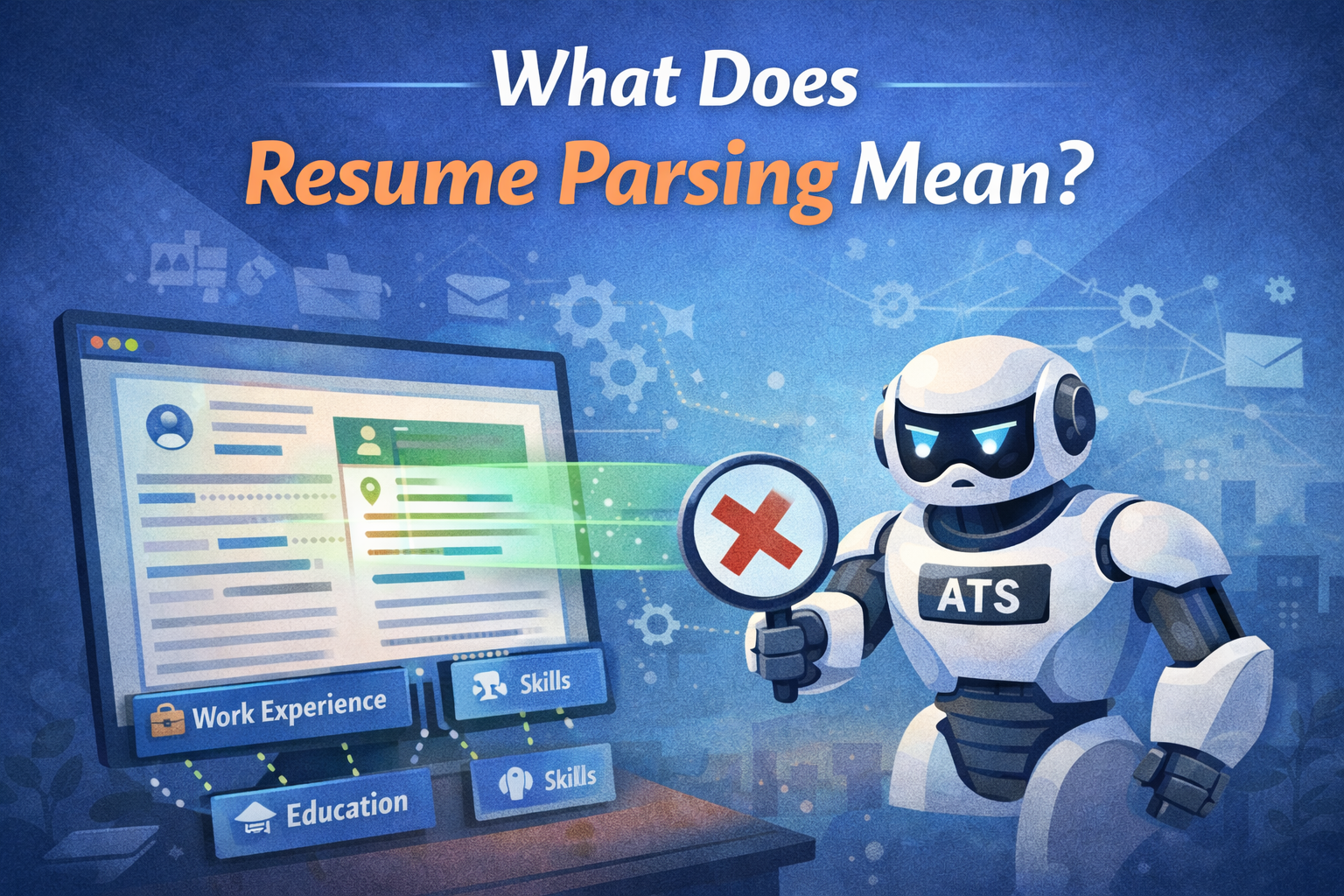
Illustration of an ATS robot scanning a digital resume on a computer screen, highlighting key sections like work experience, education, and skills, with a green progress bar showing the parsing process.

What Does Resume Parsing Mean? A Complete Guide for Job Seekers

Resume parsing is the automated process of extracting and organizing information from your resume into a structured digital format that applicant tracking systems (ATS) can read and analyze.

This technology uses software algorithms to scan your resume and pull-out key details like your contact information, work experience, education, and skills, converting them into standardized data fields.

Understanding resume parsing is critical for modern job seekers because approximately 75% of resumes never reach human eyes—they’re filtered out by parsing software before a recruiter ever sees them.

In today’s competitive job market, knowing how resume parsing works can mean the difference between landing an interview and having your application lost in a digital void.

This comprehensive guide will help you understand the parsing process and optimize your resume to pass through these automated gatekeepers successfully.

How Does Resume Parsing Actually Work?

Resume parsing software operates through a multi-step process that begins the moment you submit your application.

First, the system receives your resume file and converts it into plain text, stripping away formatting elements. The parser then uses natural language processing (NLP) and machine learning algorithms to identify different sections of your resume based on common patterns and keywords.

The software looks for contextual clues like section headers (“Work Experience,” “Education,” “Skills”) and date formats to categorize information correctly.

It extracts specific data points including your name, email address, phone number, job titles, company names, employment dates, degree types, institutions, and technical competencies.

This extracted data is then organized into a structured database format that recruiters can search, filter, and compare against job requirements.

Modern parsing systems have become increasingly sophisticated, capable of understanding variations in formatting and terminology. However, they still struggle with overly creative designs, unusual fonts, or non-standard section naming conventions that deviate from expected patterns.

Why Do Companies Use Resume Parsing Technology?

Organizations implement resume parsing systems primarily for efficiency and scalability.

Large companies often receive hundreds or thousands of applications for a single position, making manual review impractical and time-consuming.

Resume parsing allows recruiters to process high application volumes quickly while maintaining consistency in candidate evaluation.

These systems also enable better candidate matching by allowing recruiters to search their database using specific keywords, skills, or criteria. Instead of reading through every resume manually, hiring managers can instantly identify candidates who possess required qualifications like “5+ years of project management experience” or “certified in AWS cloud architecture.”

Additionally, resume parsing reduces unconscious bias in the initial screening phase by focusing purely on qualifications rather than subjective factors.

It creates standardized candidate profiles that facilitate fair comparisons and support data-driven hiring decisions.

What Information Does Resume Parsing Extract?

Resume parsers are designed to identify and extract multiple categories of information from your document. The most common data fields include:

Contact Details: Your full name, phone number, email address, LinkedIn profile URL, and location (city and state).

Professional Summary: Key highlights from your summary or objective statement that describe your professional identity and career goals.

Work Experience: Job titles, company names, employment dates, locations, and bullet points describing your responsibilities and achievements at each position.

Education: Degree types (Bachelor’s, Master’s, PhD), majors or fields of study, institution names, graduation dates, and relevant coursework or academic honors.

Skills: Both hard skills (software proficiency, technical abilities, certifications) and soft skills (leadership, communication, teamwork) that you’ve listed throughout your resume.

Certifications and Licenses: Professional credentials, industry-specific certifications, and valid licenses relevant to your field.

Languages: Foreign language proficiencies and fluency levels.

The accuracy of extraction depends heavily on how clearly you’ve organized this information using standard formatting and conventional section headers.

How Can You Optimize Your Resume for Parsing Systems?

Creating a parser-friendly resume doesn’t mean sacrificing visual appeal—it means prioritizing clarity and structure.

Start by using a simple, clean layout with standard fonts like Arial, Calibri, or Times New Roman in 10-12 point size. Avoid using headers, footers, text boxes, tables, or graphics, as these elements often confuse parsing algorithms.

Use conventional section headings that parsers recognize instantly: “Work Experience” or “Professional Experience,” “Education,” “Skills,” “Certifications,” and “Summary.” Avoid creative alternatives like “My Journey” or “What I Bring to the Table,” which may not be recognized by the software.

Format your dates consistently using common patterns like “January 2020 – Present” or “01/2020 – Present” rather than abbreviations or unusual formats. List your work experience in reverse chronological order with clear job titles and company names on separate lines.

When describing your skills, include both acronyms and full terms where relevant (e.g., “Search Engine Optimization (SEO)”) to ensure the parser captures variations. Incorporate keywords from the job description naturally throughout your resume, particularly in your skills section and work experience bullet points.

Save your resume as a .docx or PDF file—most modern ATS can handle both formats, though .docx is sometimes safer. Avoid using password protection or saving as image files, which parsers cannot read.

What Common Mistakes Prevent Successful Resume Parsing?

Several formatting choices can cause parsing failures, even when your qualifications are strong.

Using fancy graphics, logos, or headshots may look appealing but typically get discarded during text conversion, sometimes taking surrounding content with them.

Similarly, placing important information in headers or footers often results in that data being completely ignored.

Unconventional fonts, especially decorative or script styles, may not convert properly to plain text, causing your information to appear as gibberish or blank spaces.

Tables and columns can scramble the order of your content, making your employment history appear out of sequence or mixing information from different sections.

Spelling errors in critical keywords represent another significant pitfall. If a job description requires “Python programming” and you’ve written “Pythn” or “Phython,” the parser won’t make the connection.

Similarly, using only uncommon variations of standard terms (like “C-Suite Communications Specialist” instead of “Executive Communications Manager”) might cause your resume to be filtered out.

Taking Control of Your Job Search Success

Understanding resume parsing empowers you to take control of your job search strategy. By creating an ATS-optimized resume, you significantly increase your chances of passing the initial screening and getting your application in front of actual human decision-makers.

Remember that while parsing optimization is essential, your resume still needs to be compelling when a recruiter reads it—balance technical optimization with clear, achievement-focused content that demonstrates your value.

Test your resume by running it through free ATS checker tools available online, which can identify potential parsing issues before you submit applications.

With these strategies, you’ll be well-positioned to navigate modern hiring systems and advance your career goals effectively.

Frequently Asked Questions About Resume Parsing

Can resume parsers read PDF files?

Most modern resume parsing systems can read PDF files, but compatibility isn’t guaranteed across all ATS platforms. Some older systems struggle with PDFs, especially those created from scanned images or with complex formatting. For maximum compatibility, save your PDF from a word processor (not as a scanned document) and consider submitting both a .docx and PDF version when possible. If you’re unsure, .docx format remains the safest option.

Does color in my resume affect parsing accuracy?

Color itself doesn’t typically prevent parsing, as most systems convert documents to plain text anyway. However, using colored text for important information can sometimes reduce readability if the color-to-background contrast is poor during conversion. Stick with black or very dark text for critical content like your name, job titles, and contact information to ensure nothing gets lost in translation.

How do I know if my resume passed through the parser correctly?

Many companies send automated confirmation emails after you apply—if you receive one that includes your parsed information (like name and contact details), review it carefully for errors. You can also use free online ATS scanning tools before submitting to test how well your resume parses. These tools simulate the parsing process and show you exactly what information gets extracted and how it’s categorized.

Should I use keywords even if they don’t fit naturally in my resume?

Never artificially stuff keywords into your resume, as this creates poor readability and may be flagged by sophisticated ATS algorithms designed to detect keyword manipulation. Instead, incorporate relevant keywords naturally within the context of your actual accomplishments and responsibilities. If certain keywords from the job description truly don’t apply to your experience, focus on the ones that do and demonstrate your qualifications through related competencies.

Will resume parsers reject my application if I have employment gaps?

Resume parsers don’t make rejection decisions—they simply extract and organize your information. Employment gaps are identified during the data extraction process, but whether they impact your candidacy depends on human recruiters and hiring managers reviewing your parsed profile. Be honest about dates and consider briefly addressing significant gaps in your cover letter or summary statement.

Can I use creative job titles if that’s what my company called the position?

If your official job title was unconventional (like “Marketing Ninja” or “Sales Rockstar”), consider adding the industry-standard equivalent in parentheses, such as “Marketing Ninja (Digital Marketing Specialist).” This helps parsers and recruiters understand your actual role while remaining truthful about your official title. Alternatively, you can list the standard title first with your official title noted in your job description.

Do resume parsers recognize abbreviations and acronyms?

Recognition varies by system sophistication. To maximize parsing success, spell out important acronyms on first use followed by the abbreviation in parentheses, such as “Customer Relationship Management (CRM).” For widely recognized abbreviations in your industry (like MBA, CEO, or SQL), you can typically use them standalone, but including both versions increases your chances of matching different search variations recruiters might use.

Incorporate keywords from the job description naturally throughout your resume, especially in your skills section and work experience bullet points, to align with what employers and ATS systems are scanning for. This improves relevance, readability, and your chances of making it past initial screenings. Read more here.

In today’s competitive job market, understanding how resume parsing works can be the difference between landing an interview or having your application lost in a digital void. When your resume isn’t formatted or written correctly, even qualified candidates can be filtered out before a human ever sees it. Learn more here.

Instead of reading through every resume manually, hiring managers use parsing and screening tools to instantly identify candidates with required qualifications like “5+ years of project management experience” or “AWS cloud architecture certification.” This speeds up hiring decisions while filtering out resumes that don’t clearly match the role. Read more here.

Create your resume for free using smart AI to assist you with your job seeking process.   Try here.

Leave A Comment

Your email address will not be published. Required fields are marked *

ResumeShaperAI is your all-in-one AI-powered career tool designed to help job seekers create professional, ATS-friendly resumes and cover letters in minutes. Our mission is to simplify the job search process with smart automation and beautifully designed templates.

Made by ResumeShaperAI. All Rights Reserved 2026.